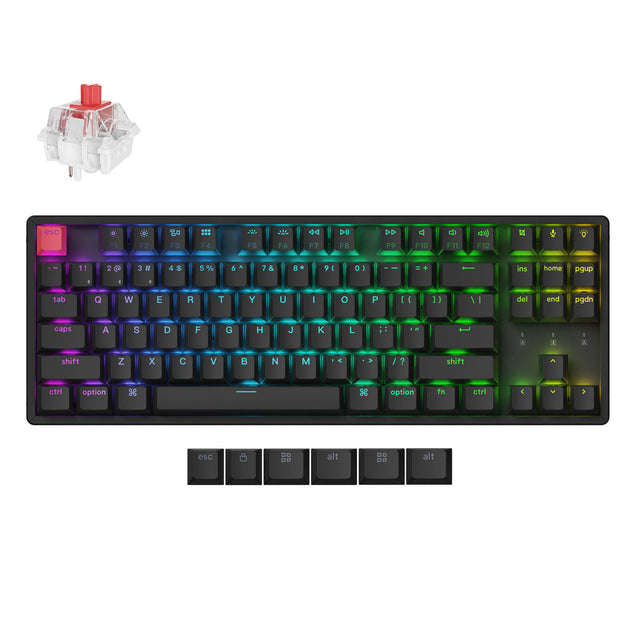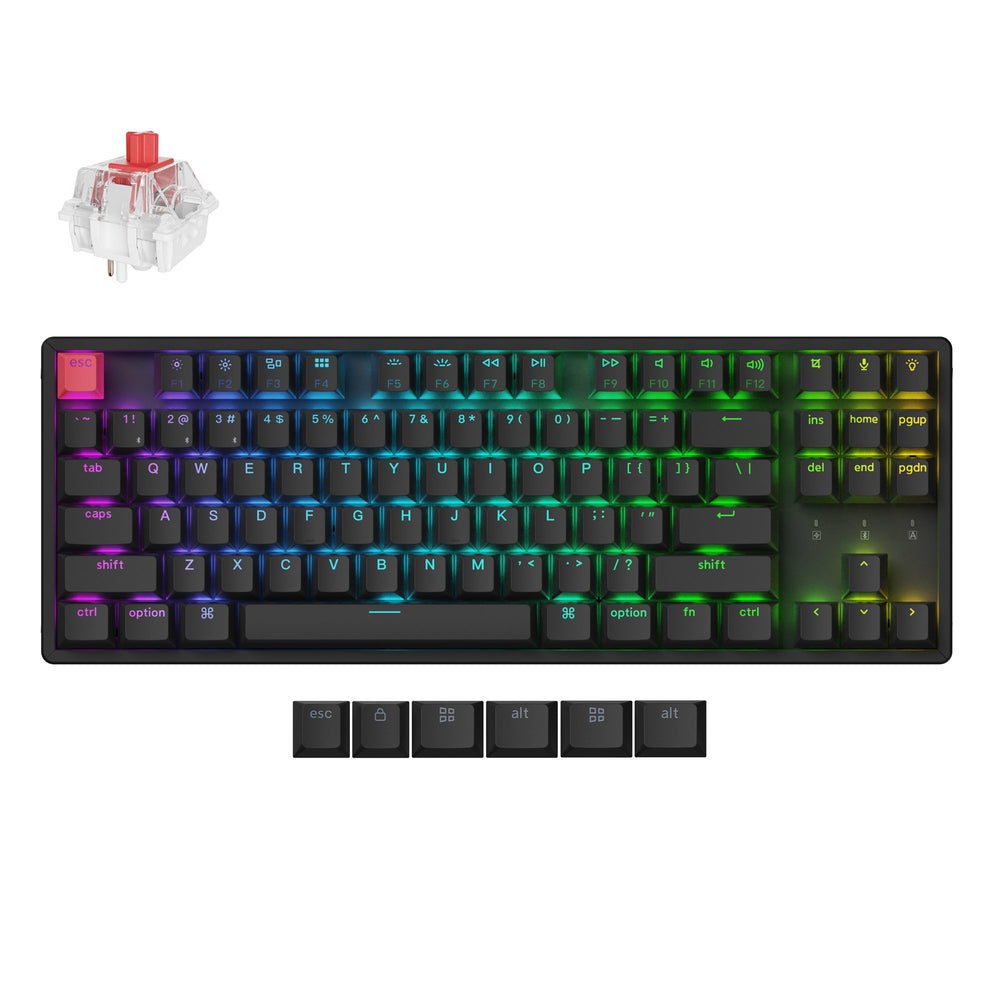
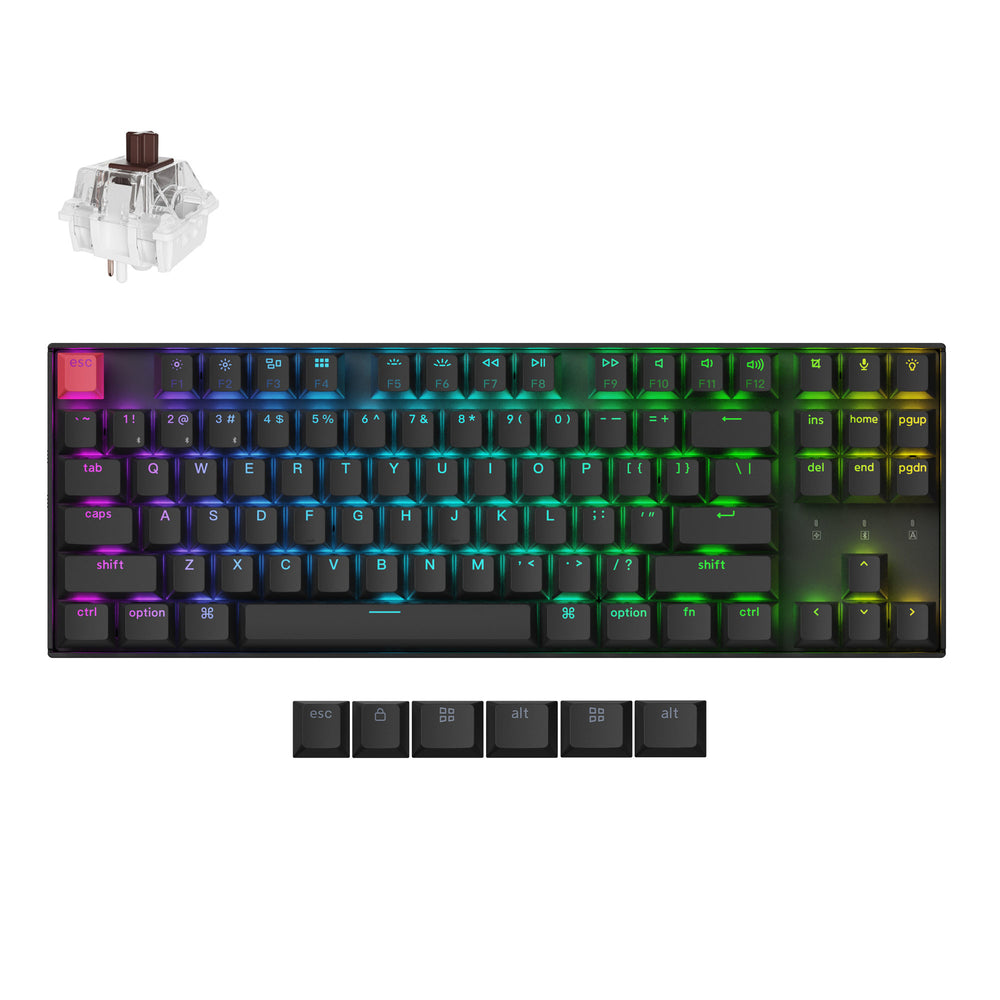
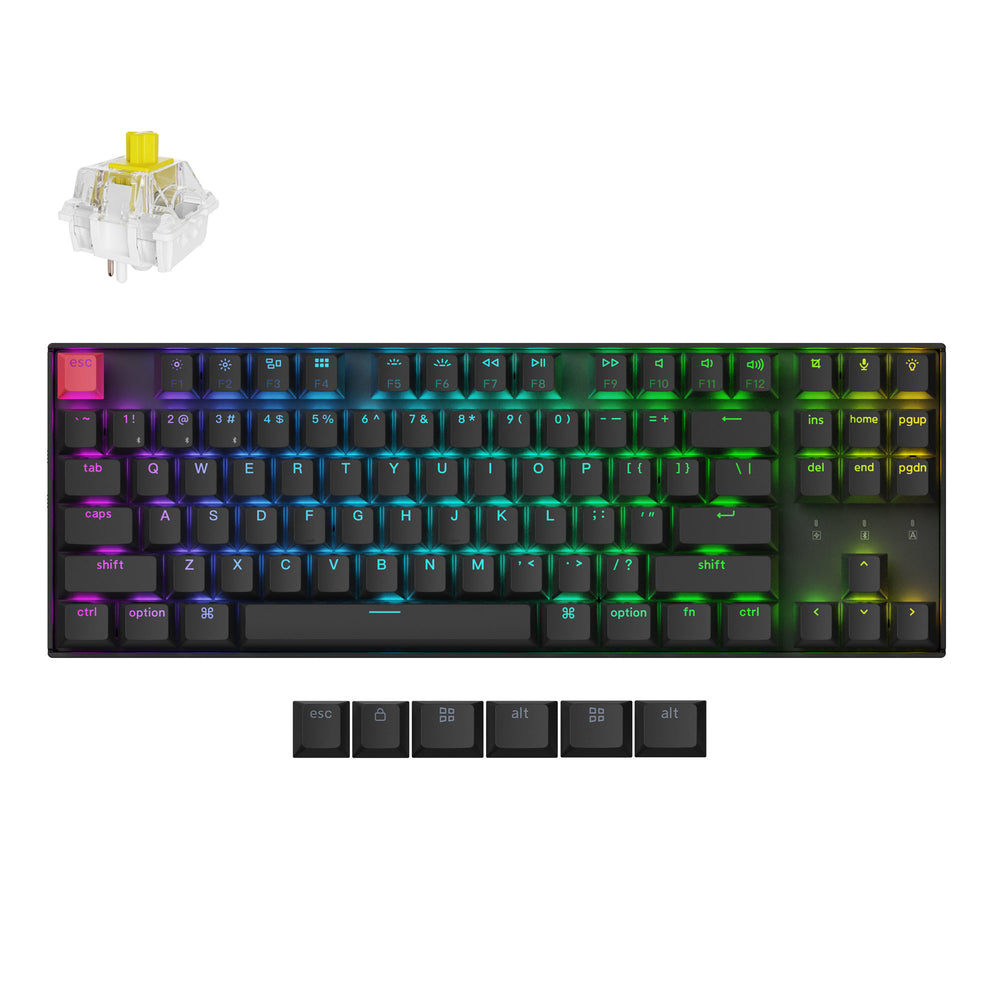
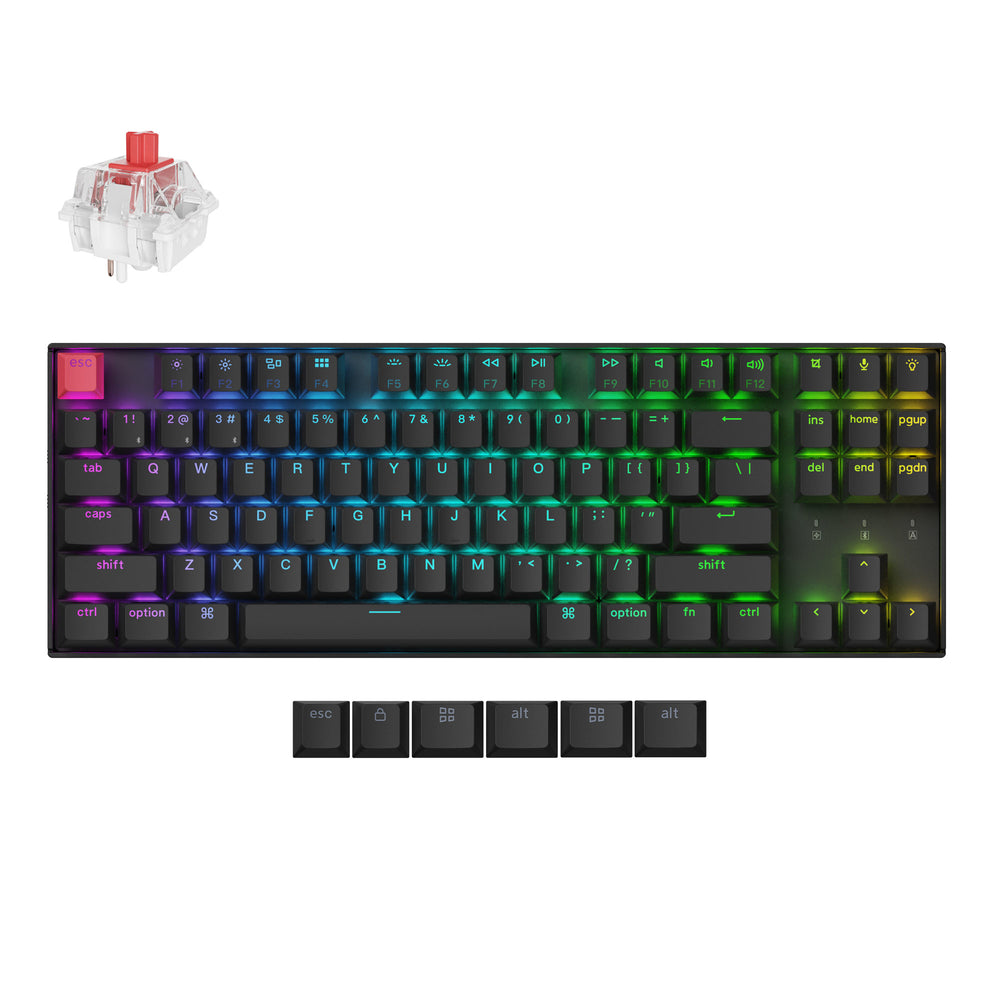
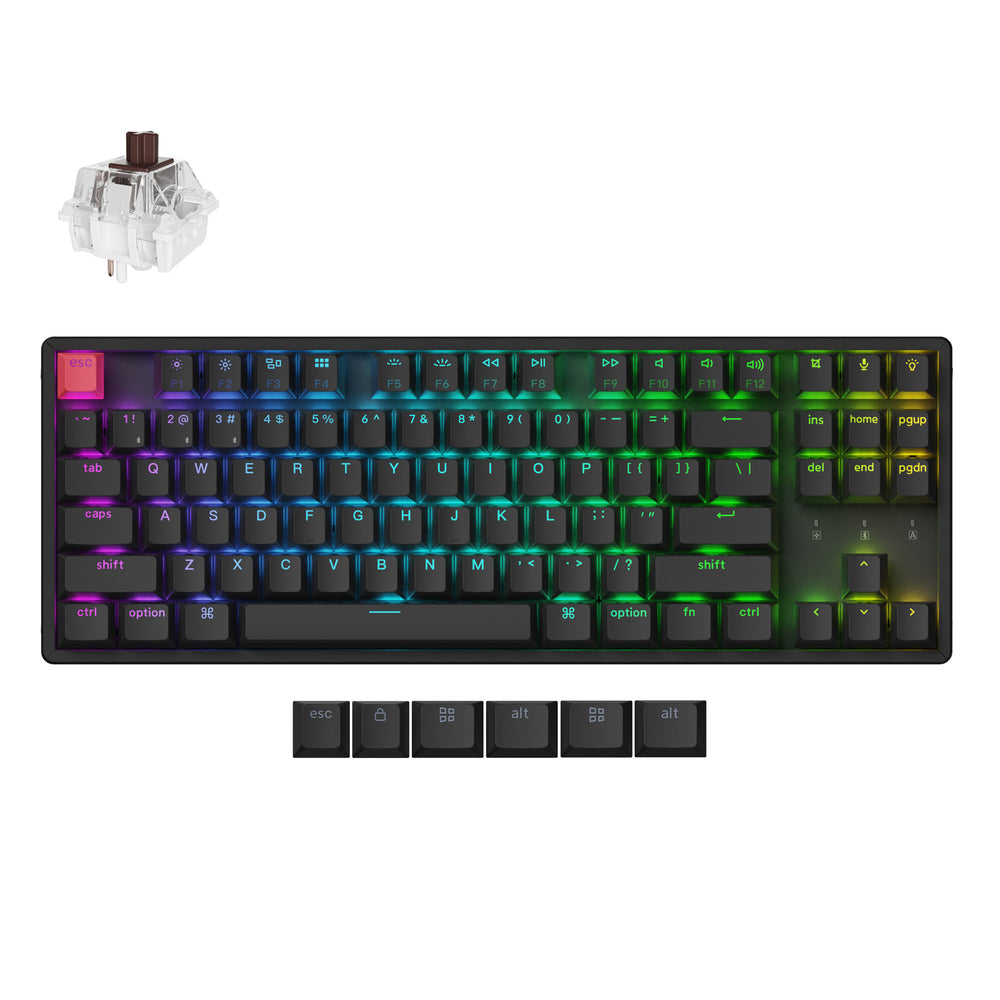
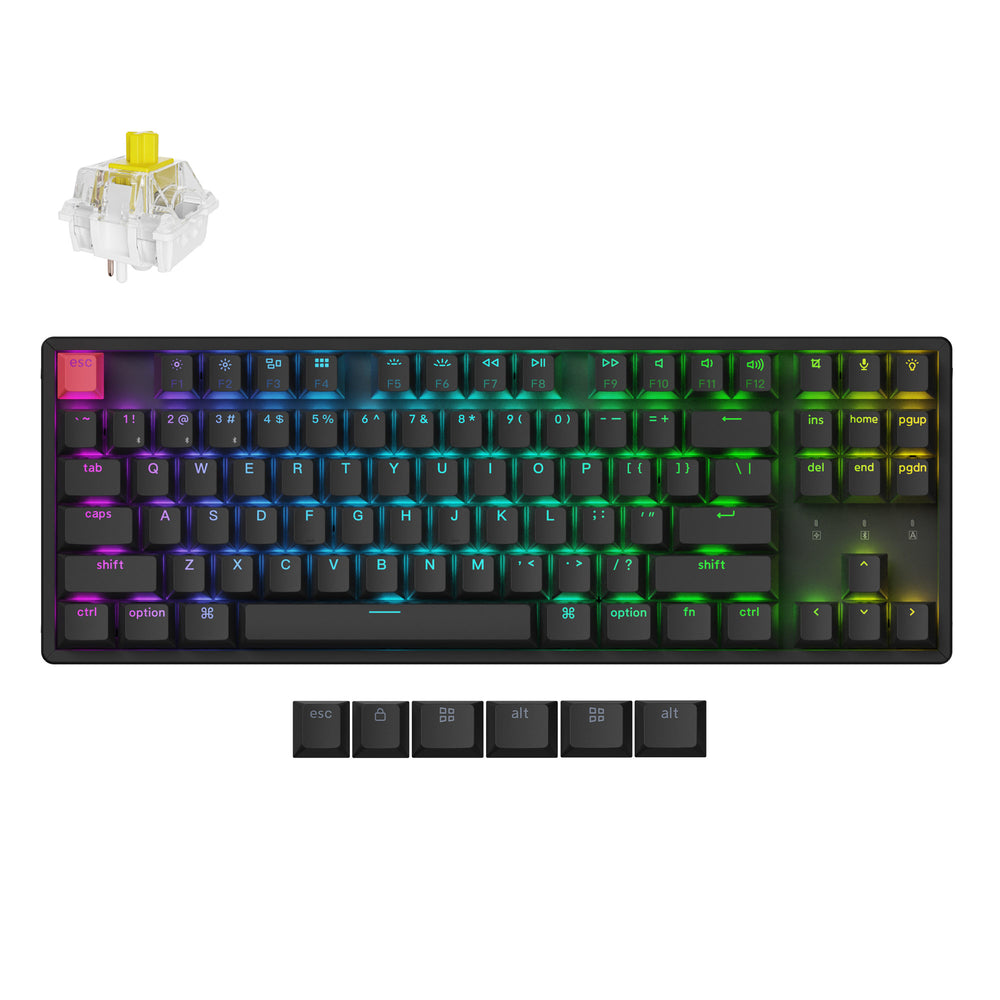
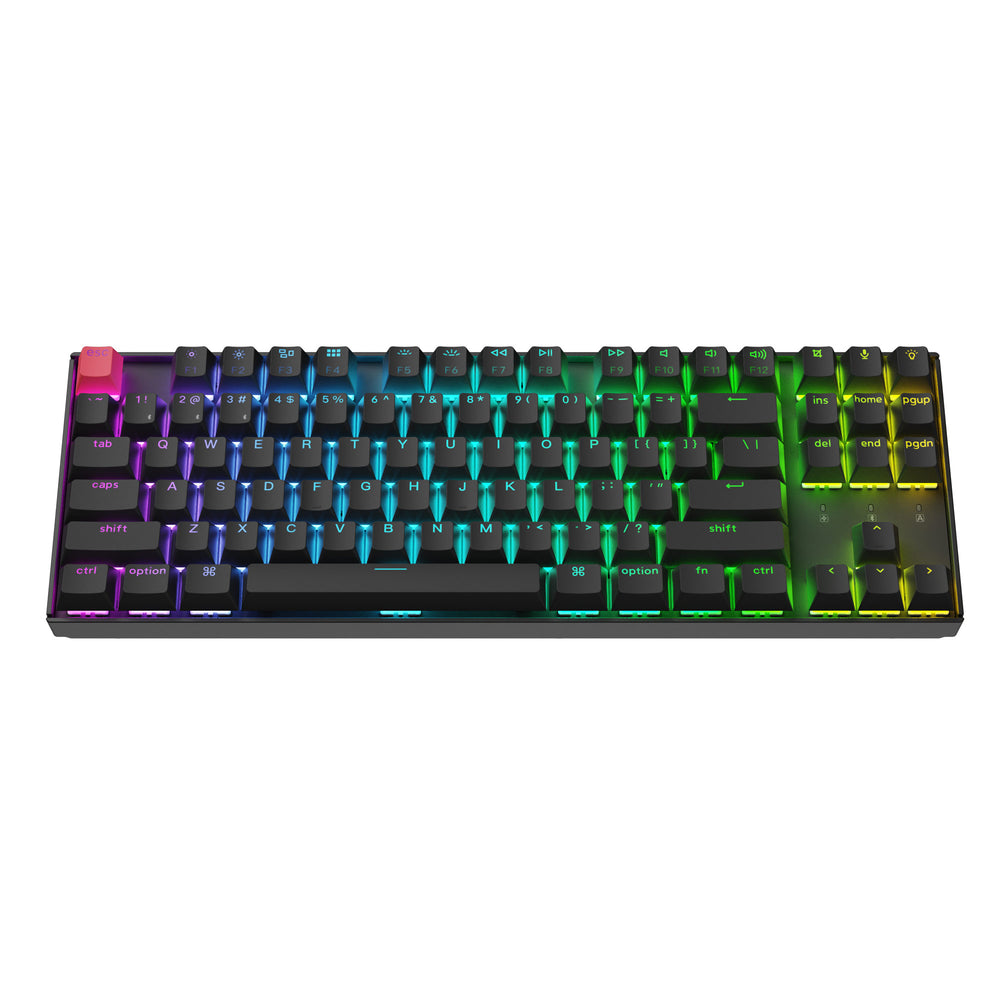
Keychron K8 QMK Wireless Mechanical Keyboard (Version 2) (US ANSI Layout)
Keychron K8 QMK Wireless Mechanical Keyboard (Version 2) (US ANSI Layout) - White Backlight / Keychron Super Switch / Red is backordered and will ship as soon as it is back in stock.
Couldn't load pickup availability
Keychron K8 Version 2 is a wireless custom mechanical keyboard. It supports both Bluetooth 5.2 and a wired connection. It allows anyone to master any keys or macro commands on its 80% TKL layout through Keychron Launcher web app. Besides, it has included keycaps for both Windows and macOS, and users can hot-swap with Keychron Super mechanical switch in a breeze (hot-swappable version only).
No discount code can be used for the K8 Version 2.
Please drop your email on "Notify Me When Available" if the product model is out of stock.
Keychron K8
Version 2

The K8 Version 2 is a wireless mechanical keyboard with a TKL (80%) layout. It supports both Bluetooth 5.2 and wired connections. Configurable through QMK and Keychron Launcher web app, it offers endless possibilities and enhanced productivity in your work and gaming!

The K8 Version 2 upgraded the typing experience with multiple layers of acoustic foams, such as IXPE, PET, and EPDM, ensuring a superior sound and typing experience.

Choose the keycaps, switches and more accessories for your K8 Version 2.
Enhanced Acoustic Foams
Elevate your typing with K8 version 2 featuring advanced IXPE acoustic foam for enhanced comfort, coupled with resilient EPDM foam for superior key switch support, responsiveness, and durability. The steel plate provide responsive feedback and a peaceful typing sound, while added weight will enhance the stability.


Program with QMK & Launcher
The open-source QMK firmware means endless possibilities for key remapping, macros, shortcuts, and more. Now you can easily customize each key with the Keychron Launcher web app.

* Please use the latest version of Chrome / Opera / Edge browser to open the Launcher and connect the keyboard to your device via wired mode.
Anytime, Anywhere Access
Keychron Launcher is a web page configurator that you can use in the office, school, lab, or government department—anywhere with internet access. Configure your keyboard online anytime without the need to download or install files. No hassle, no trouble.

Compatible with All Platforms
As a web-based tool, Keychron Launcher supports all operating systems. Personalize and program your keyboard on Windows, macOS, Linux, and more. Enjoy unprecedented flexibility with compatibility across Chrome, Edge, and Opera browser.

Safe Inputs
You type your password, contact, home address, and other sensitive privacy information on keyboards every day. Our keyboards use QMK open-source firmware, allowing the community to review the codes for safety and ensuring no hidden features, so you have complete control over your input security.

Always Up to Date
Keychron Launcher is continuously updated, ensuring you always have access to the lastest version.
There's no need to download updates or wait for installations.

Wireless Connection
An excellent solution for multitasking. Connects the K8 Version 2 with up to 3 devices wirelessly via its stable Broadcom Bluetooth 5.2 for seamless multitasking across your laptop, phone, and tablet. Switch among them swiftly, and it’s fully compatible with both Mac and Windows.

Suitable For All Devices
Offers a Mac layout while remaining compatible with Windows. It stands out in the market by providing the same multimedia and function key as Apple keyboards for Mac users, but with enhanced tactile feedback.
Additionally, you can configure different keymaps for both Mac and Windows devices with Keychron Launcher web app. The keyboard includes keycaps for both macOS and Windows, along with additional esc and enter keys, facilitating seamless switching between operating systems.


An Epic Core Inside
A powerful ARM architecture MCU equipped with 256KB Flash will provide more flexibility for developers. The polling rate is 1000 Hz on wired mode right out of the box, which makes the latency hardly noticeable even in competitive games.
Hot-Swappable (Optional)
We also provide a hot-swappable version for your choice, which means you can customize your typing experience without soldering, pop them in and it's done.
Every detail matters for a personalized typing experience, that’s why we give you the power. You can hot-swap every switch on the K8 Version 2 with almost all of the 3pin and 5pin MX style mechanical switches on the market (including Cherry, Gateron, Kailh, Panda, etc.) without soldering. You can customize your own typing experience in seconds.

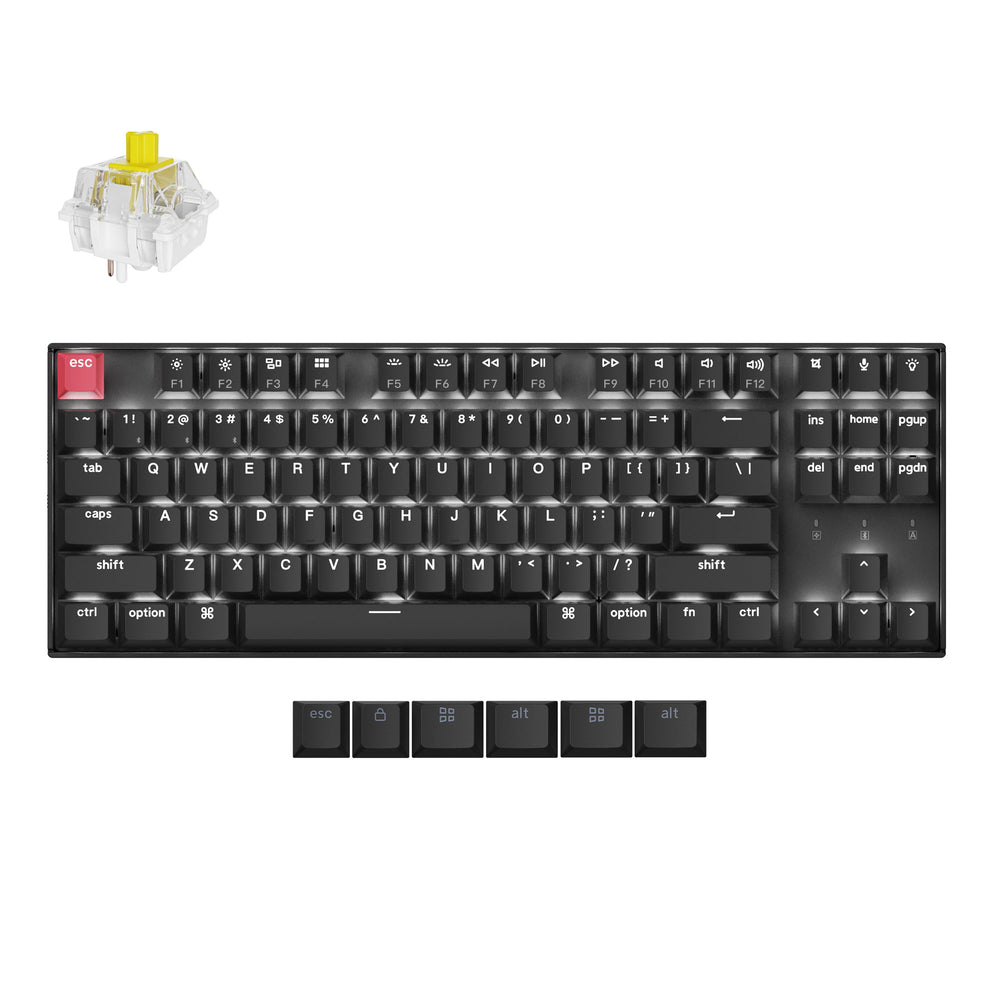
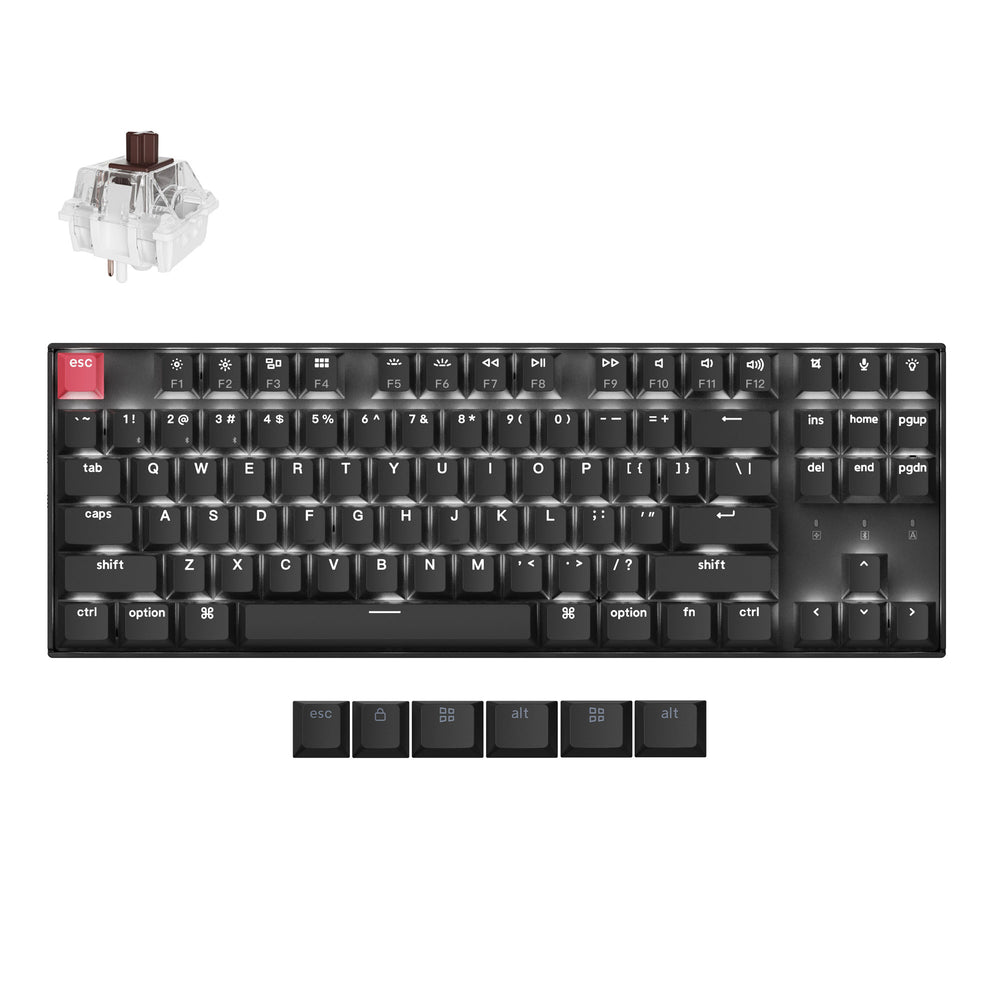
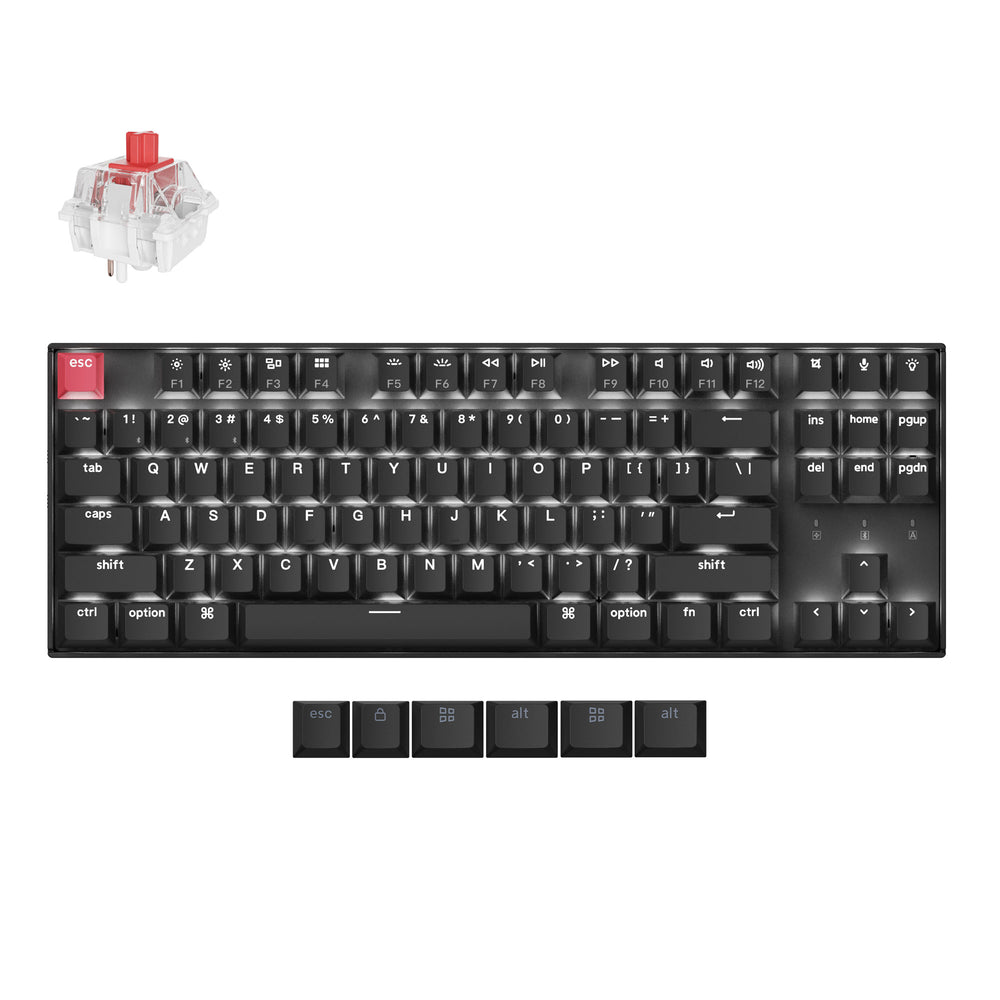
Keychron Super Switch
Our exclusive Keychron Super switch adopts a new mold with unparalleled precision. Every switch is tested for pro-grade quality and has a lifespan of up to 50 million clicks, providing great reliability and high performance for long typing sessions. Its new light affection structure on its transparent top housing also ensure high light transmittance and a more consistent, brighter backlight effect.

Cherry Profile Double-shot PBT Keycaps
To further fine-tune your typing experience, the K8 Version 2 comes with Cherry profile and double-shot PBT keycaps that aim to provide a more comfortable fingertip feel with excellent oil resistance for long-term use on the timeless tenkeyless layout.

RGB Backlights
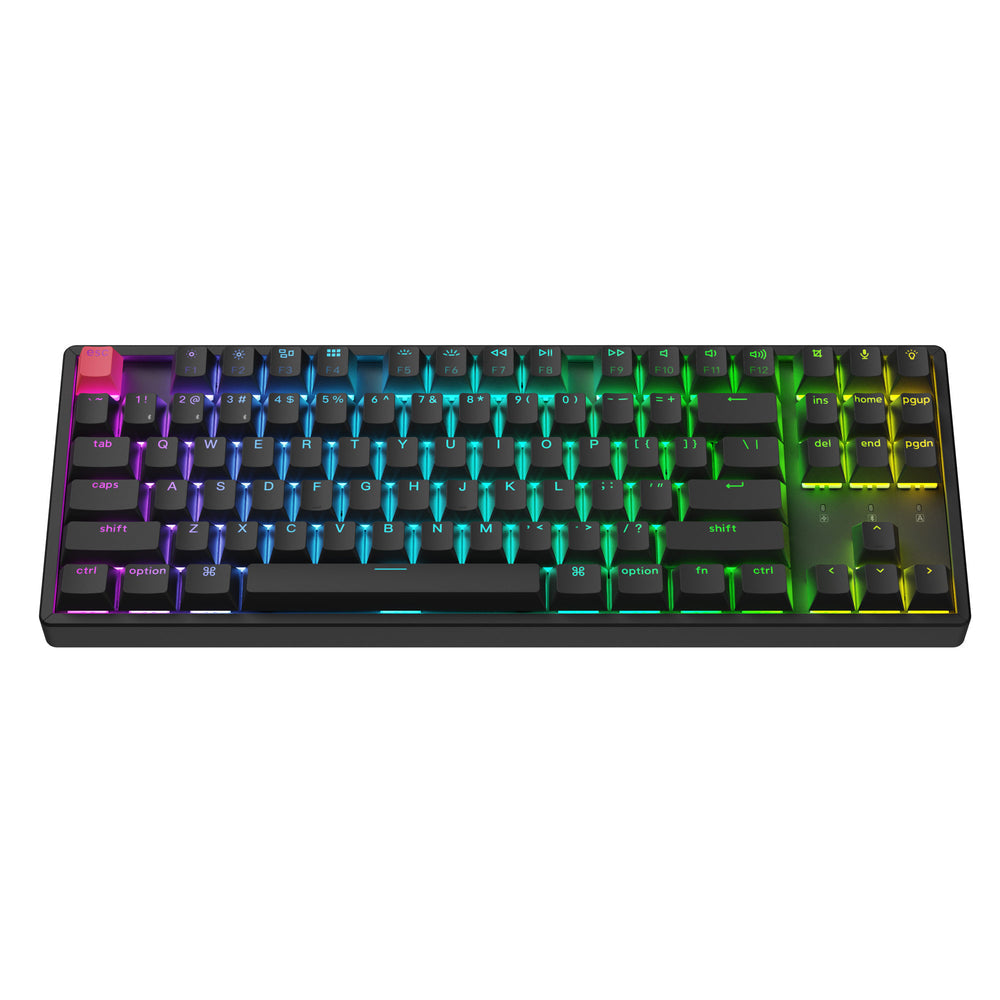
Shine-through keycaps create a brilliant backlight effect, available in both RGB and white backlight versions. The RGB version offers 22+ dynamic backlight settings, while the white backlight version features 14 unique modes. You can easily fine-tune the RGB hue, saturation, brightness, and effect speed for full customization with the Keychron Launcher web app.

Ergonomic Support
Three levels of adjustable typing angle (3.5º, 7.7º & 11º) and curved Cherry-profile keycaps are all working together to provide long-lasting ergonomic support for your wrist.
What's in the box?


Frequently bought together (Add-on)
Please select the matching variant for your product.
SPECIFICATION
| Number of Keys | 87 (80%) |
|---|---|
| Switches | Keychron Super mechanical |
| Switch Face | North-facing |
| Number of Multimedia Keys | 12 |
| Frame Material | ABS / ABS+Aluminum frame |
| Keycap Material | Double-shot PBT |
| Layout | ANSI |
| Polling Rate (Wired Mode) | 1000Hz |
| Polling Rate (BT Mode) | 90Hz |
| N-Key Rollover (NKRO) | Yes for both wireless and wired modes |
| Keycap Profile | Cherry |
CONNECTIVITY AND POWER
| Backlit | 22 types of RGB backlight options plus endless possibilities |
|---|---|
| Battery | 4000 mAh rechargeable li-polymer battery |
| Wireless Working Time (Backlit off) | Around 190 hours (Lab test result may vary by actual use) |
| Wireless Working Time (RGB) | Around 100 hours (Lowest brightness) |
| Connection | Bluetooth / Type-C wired |
| Bluetooth version | 5.2 |
| Bluetooth Device Name | Keychron K8 Version 2 |
| Compatible System | macOS / Windows / Linux |
PHYSICAL UNIT
| Dimension (Plastic frame version) | 354.17 x 124.14mm (13.94 x 4.89") |
|---|---|
| Weight | 800g / 1.76 lbs |
| Dimension (Aluminum frame version) | 359.20 x 129.20 mm (14.14 x 5.09'') |
| Weight | 950g / 2.09 lbs |
| Height without keycap (front) | 21.74 mm (0.85") |
| Height without keycap (rear) | 28.23 mm (1.11") |
| Height incl. keycap (front) | 33.52 mm (1.32") |
| Height incl. keycap (rear) | 41.33 mm (1.63") |
| Typing Angle | 3.5º, 7.7º and 11º |
| MCU | Low-power ARM Cortex-M3 32-bit WB32F3G71 (256KB Flash) |
| Operating Environment | -10 to 50℃ |
Learn more about the Keychron K8 QMK Version 2 such as the shortcuts, Launcher web app tutorial, factory reset, and more in the FAQ section.
Customer Reviews
While the keyboard is very well made and has a lot to offer towards customization, I was disappointed by three things. The RGB backlighting isn't very bright; the brown switches are not as tactile as I hoped (I really wanted blue but they were sold out); and I've had several instances of chatter on the "c" key.
RGB Backlight Aluminum Frame; Hot Swappable; Banana switch. SKU: K8X-J4
Layout: The keyboard is compact with minimal borders. There're gaps btw F8 & F9; F4 & F5. The Print Screen key is next to F12. The aluminum frame is about 5mm wider than the non-aluminum version. It's to protect the keyboard and feel nice when you move it.
Keychron Super Switch(I got banana): This low-cost 5-pin switch has a nice crisp, tactile bump feel. It’s not very loud, but not silent either. It may disturb your roommate if you play your WSAD at night. So I ordered the Kailh Deep Sea Silent Pro Box(45 pieces) here. Btw, my Logitech G512(brown) and G413 are much quieter.
RGB Backlights: Nice shine-through keycaps, a feature not available in their expensive Q series.
The special characters !@#$%.. glow nicely, but F1 to F12 do not. It's not very bright at max setting. My Logitech G512 is much brighter.
I learned how to type from my sister's typing book long ago, but I never mastered typing !@#$%.. well. That's why I'm a fan of shine through keys. Yes! Per-key RGB is available after firmware upgrade 1.0 to 1.1
Keychron Launcher: We can do this via web. But there's no "assign different keys for different apps" like Logitech's G Hub.
After firmware update, there're several cool features such as Snap Action, Per-key RGB, Quick Start(set a shortcut key to start app or website). But there's a bug. After power off and on your PC, your preset web stop working. Need to reconfigure in the launcher.
Connection: With Bluetooth 5.2, the battery lasts several days even with RGB lights on. I played a few rounds of The Last of Us, and I didn't notice any delay(guess there should be). You can check the battery level % on your Windows or hit Fn + B. Make sure you install antenna on your motherboard for a stable connection.
In sleep mode(default is 10 min inactive), press any key to wake it up. The key you press will be registered.
When the battery level drops below 40%, the RGB turn off. You can turn it on and it'll go dark again soon.
Wired connection is stable, except for the unattractive USB-C cable on the left side.
Why not get a new K HE model? The K8 HE Standard version looks similar to this one. In summer 2025, there are no silent switches for HE models, but many available for Q, K, V, and C models. HE models are quiet with Gateron Double-Rail Magnetic, but my Kailh Deep Sea Silent switches seem quieter.
4.5 stars seems reasonable. Not perfect, but sufficient for my needs.
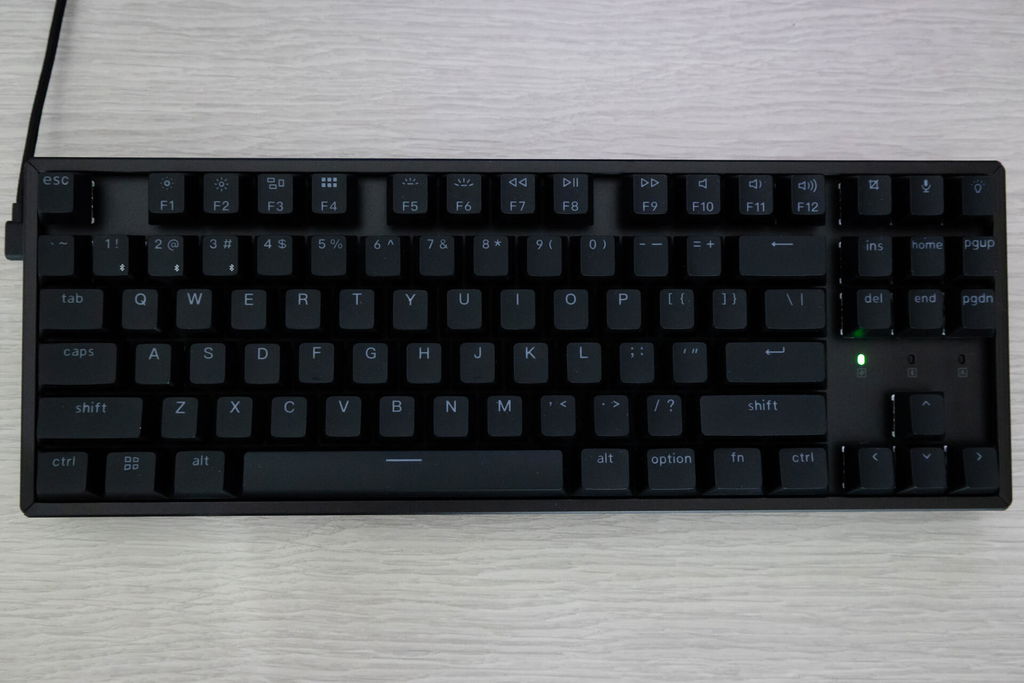
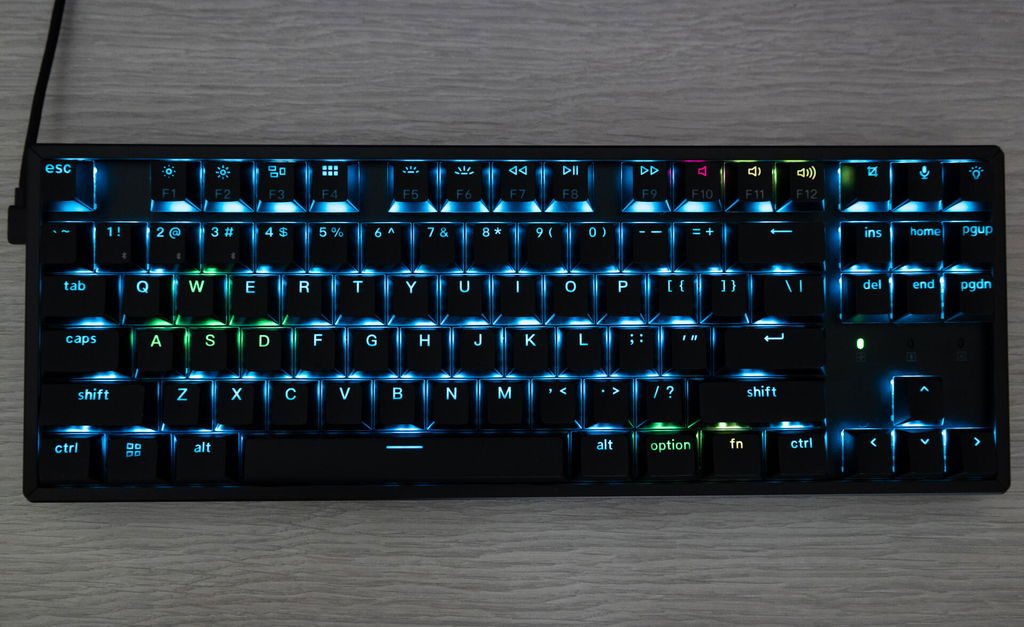
Keychron K8 QMK Wireless Mechanical Keyboard (Version 2) (US ANSI Layout)
The keyboard came quickly and well packaged. The keys sound great, and the whole keyboard looks even better. I had one key that was not working properly, so I contacted Keychron, and they sent me two new switches right away.